Expense tracking for the Mac
How much you can still spend this month
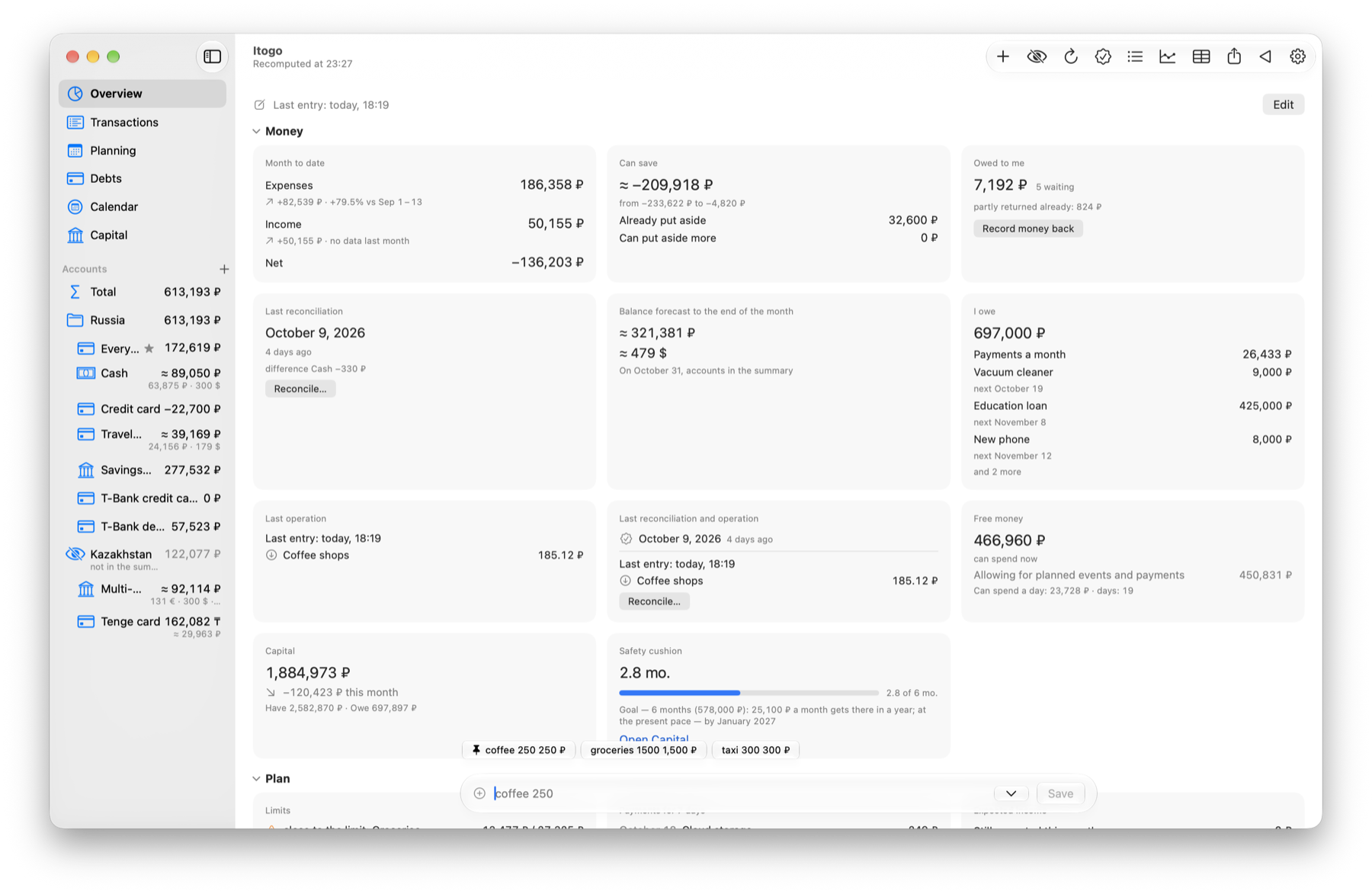
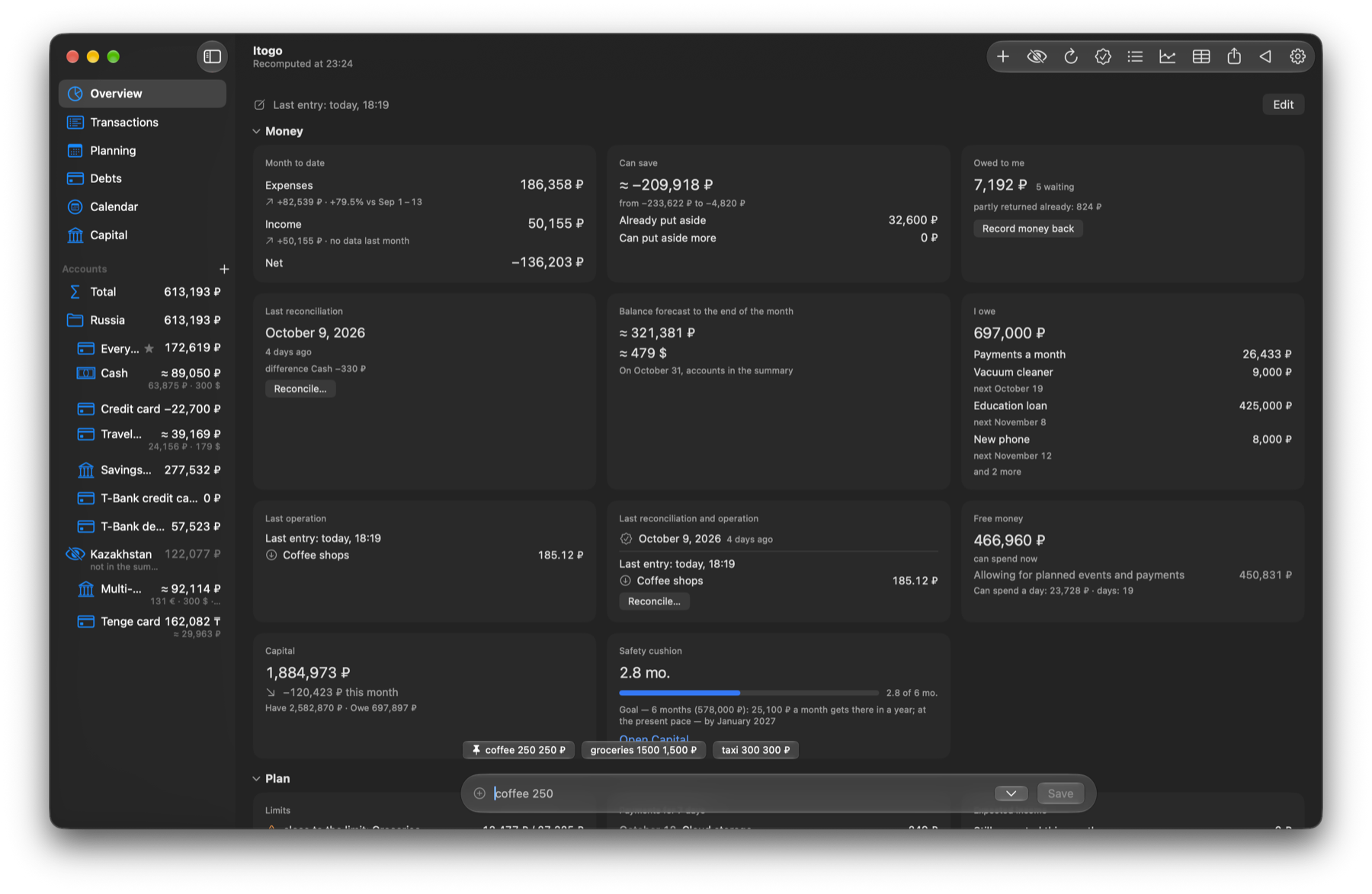
Log an expense in one line: “coffee 250”. OhMyMoney works out the rest — what's gone, which payments are coming up and what's left. No sign-up; your data stays on your Mac.
Free forever. macOS 26 or later.
One line instead of a form
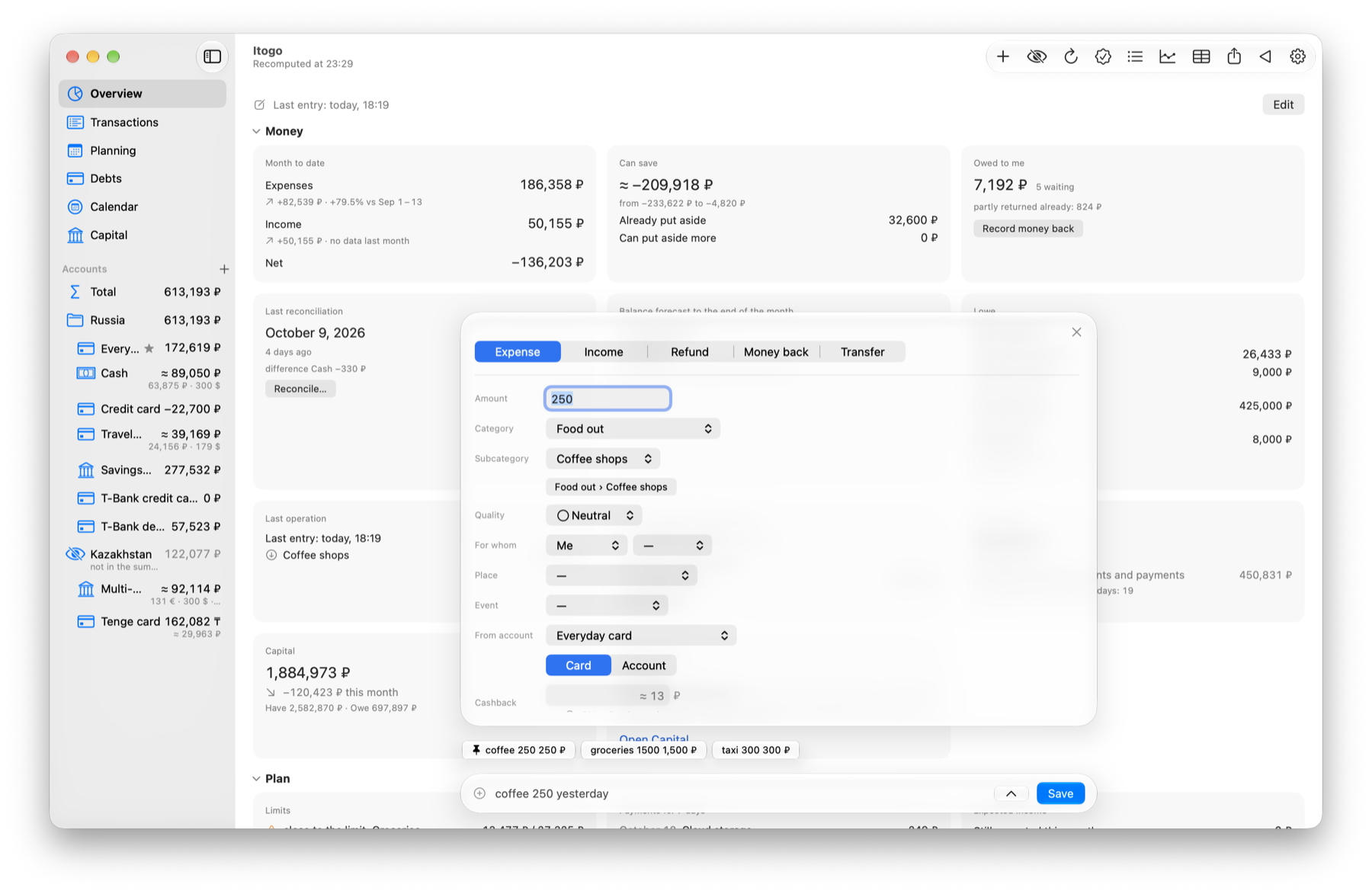
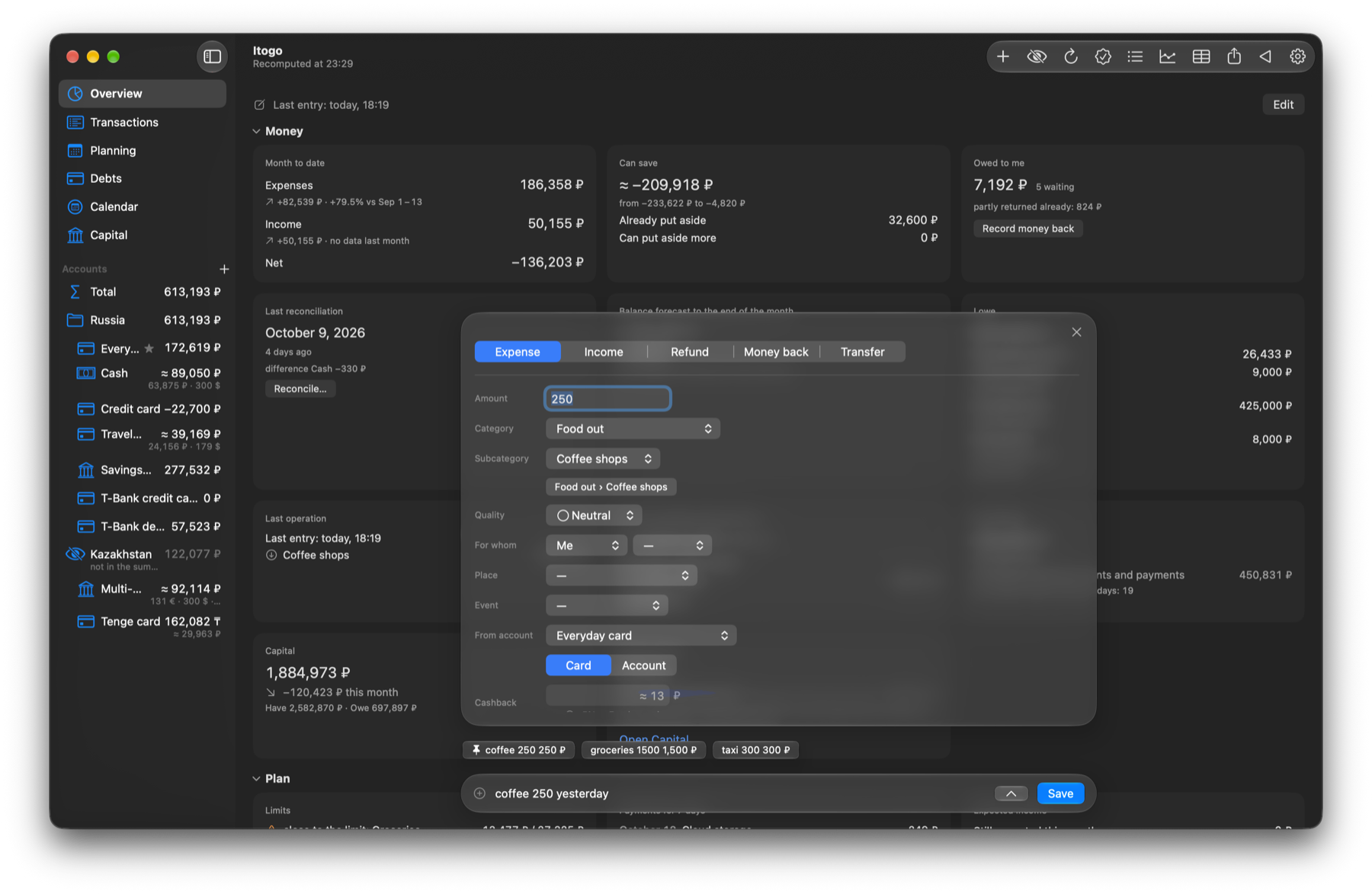
Write it however you like: amount, words and date in any order. OhMyMoney guesses the category from your past entries, and if it guesses wrong you fix it in the panel below the line.
Tap an example to see how it's read:
- What
- Expense 250 ₽
- Category
- Food out › Coffee shops
- When
- yesterday
You can check any number
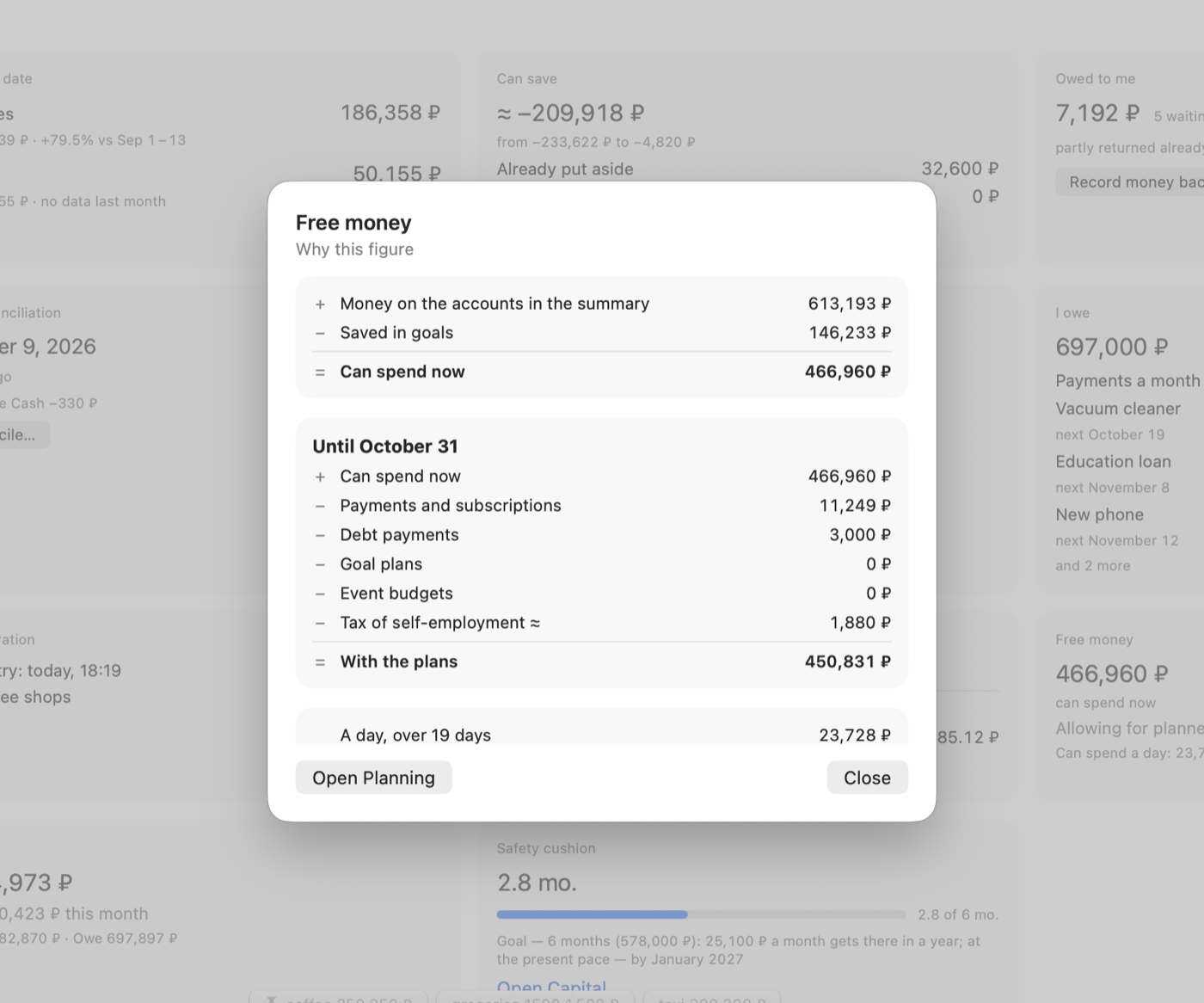
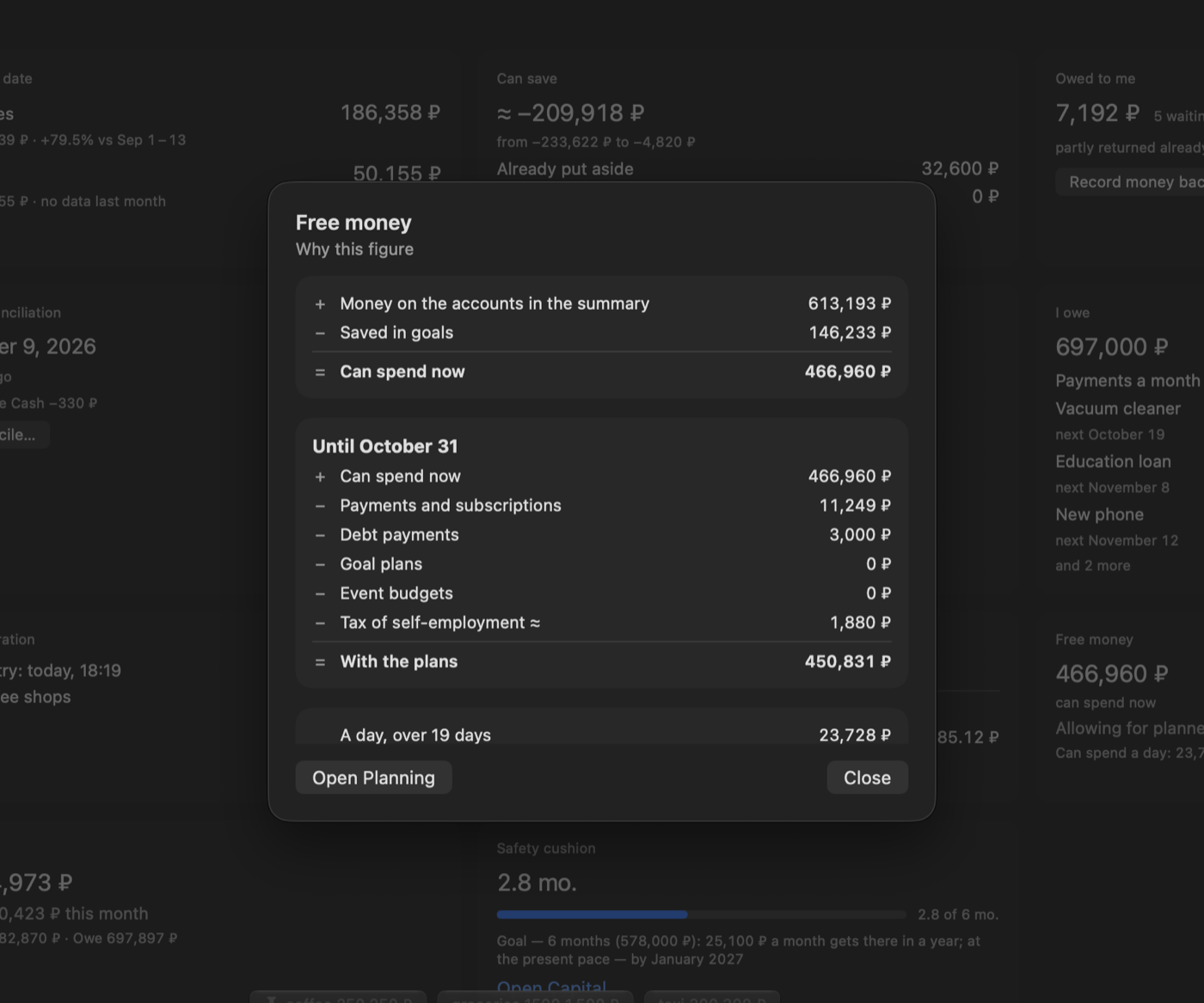
Click a tile to see its calculation line by line: where the amount comes from and what was taken off. Here is the money that's free until the end of the month:
Free until October 31
- +Money in your accounts613,193 ₽
- −Set aside for goals146,233 ₽
- −Bills and subscriptions11,249 ₽
- −Loan payments3,000 ₽
- −Self-employment tax≈ 1,880 ₽
- =You can spend450,831 ₽
Figures from the demo data set.
A minute with the app
Logging an expense, the free-money calculation, planning and searching your history.
Three more screens
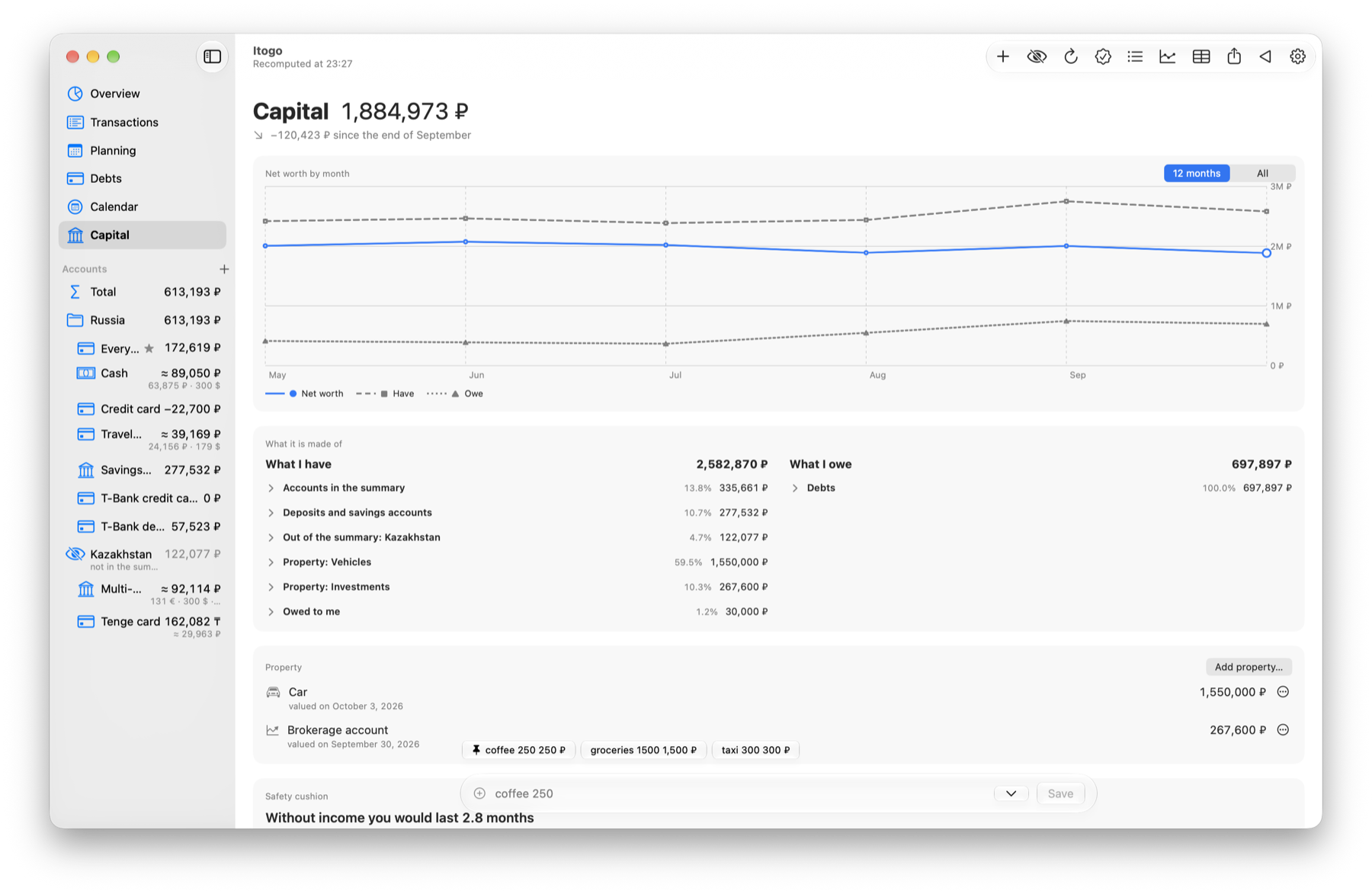
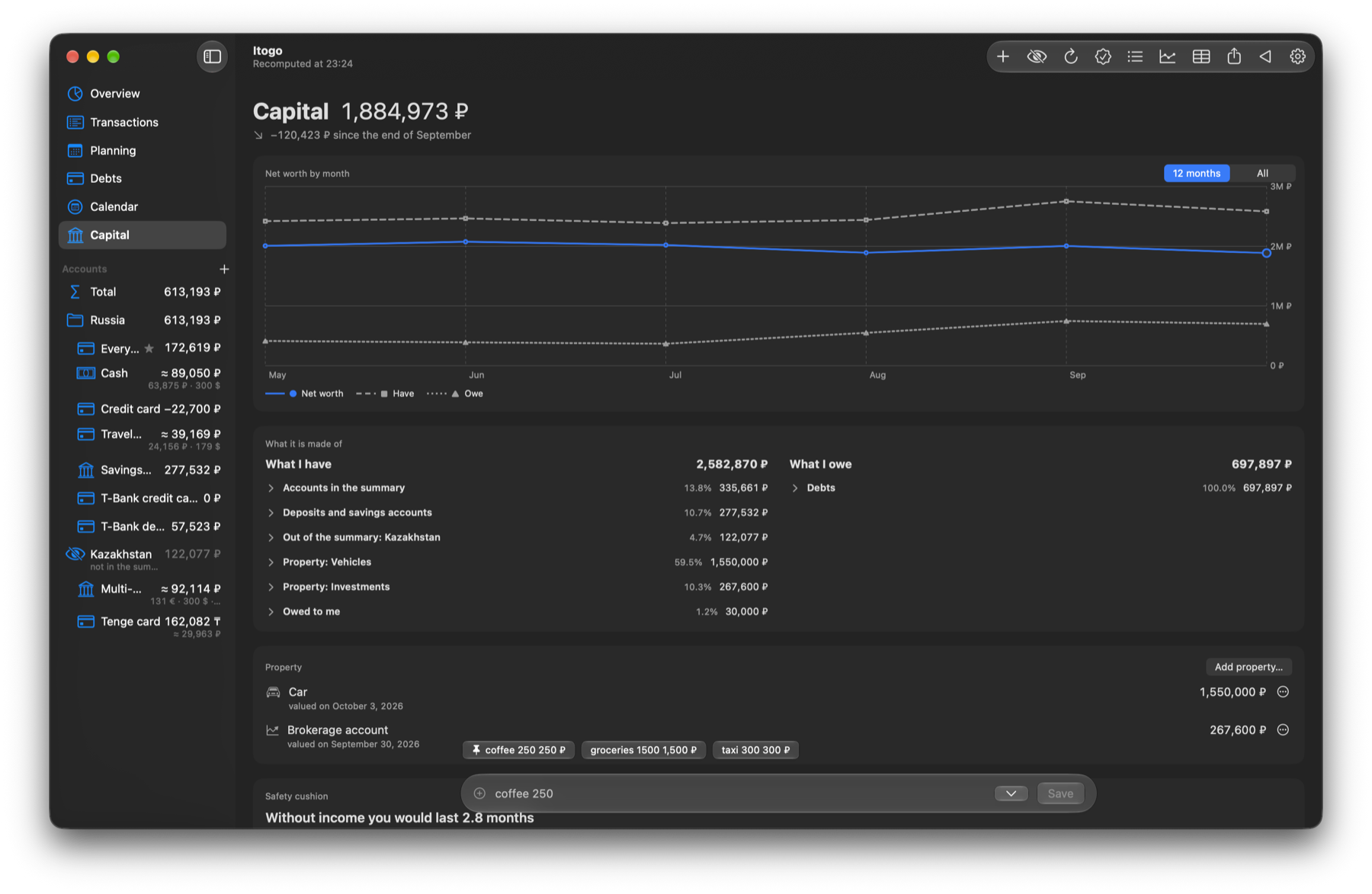
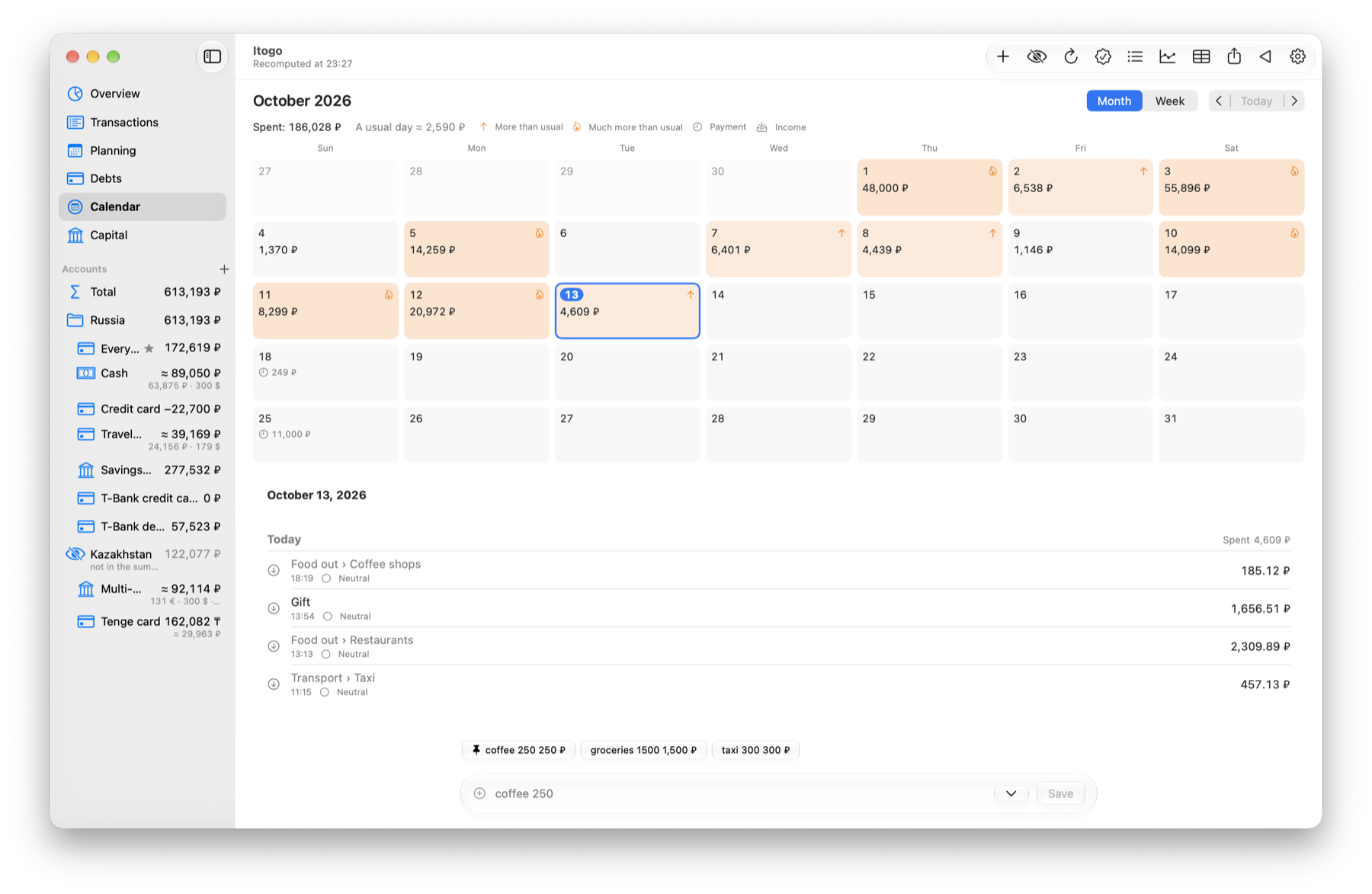
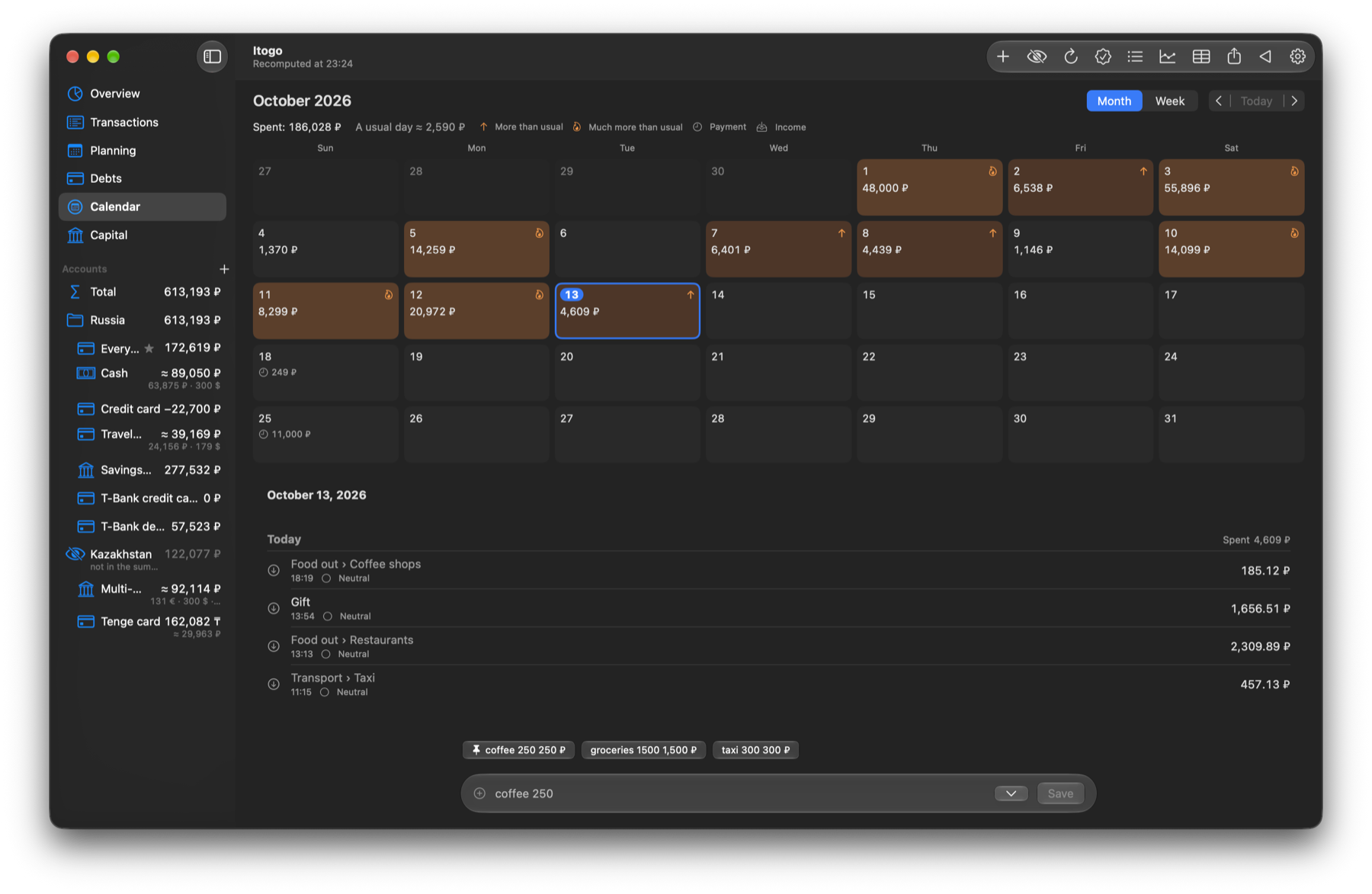
What else it does
You enter everything yourself: the app never connects to your bank.
The entry line
English and Russian, amounts like 2k, formulas, dates like “yesterday” or “12.09”.
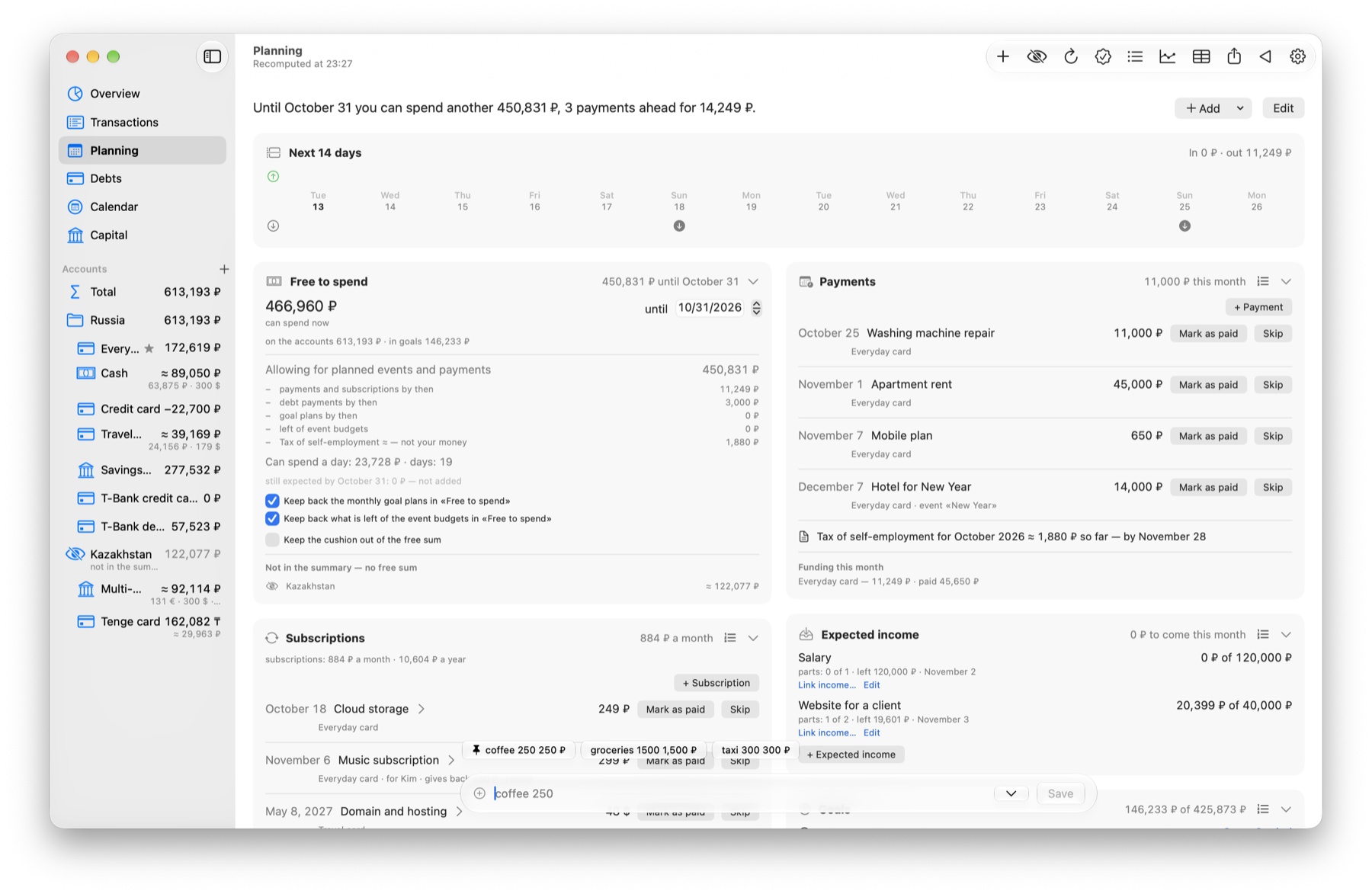
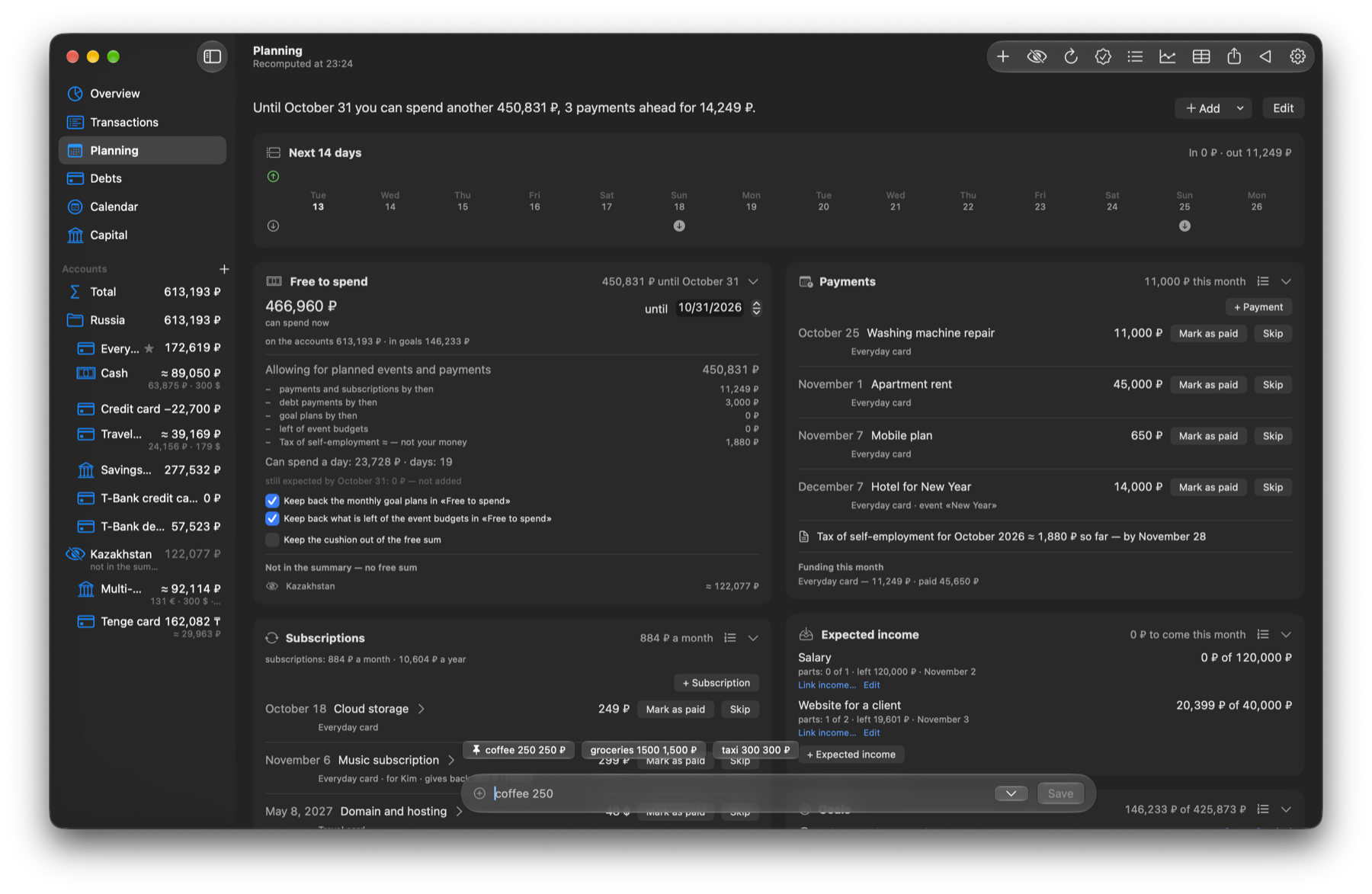
Free money
Money in your accounts minus upcoming bills, loan payments and goal savings.
A calculation behind every tile
Every amount breaks down into lines you can check.
Planning
Recurring bills, subscriptions, category limits and savings goals.
Loans and instalments
Payment schedules, early repayment, credit cards with a grace period.
Splitting your pay
When income arrives, the app suggests how much to put towards your goals.
Capital and safety cushion
Accounts, property and debts on one chart, month by month.
Reports
Spending by category, place and person, a forecast for the month, CSV export.
Your data stays on your Mac
There is no server and no account, so nobody but you sees what you write down.
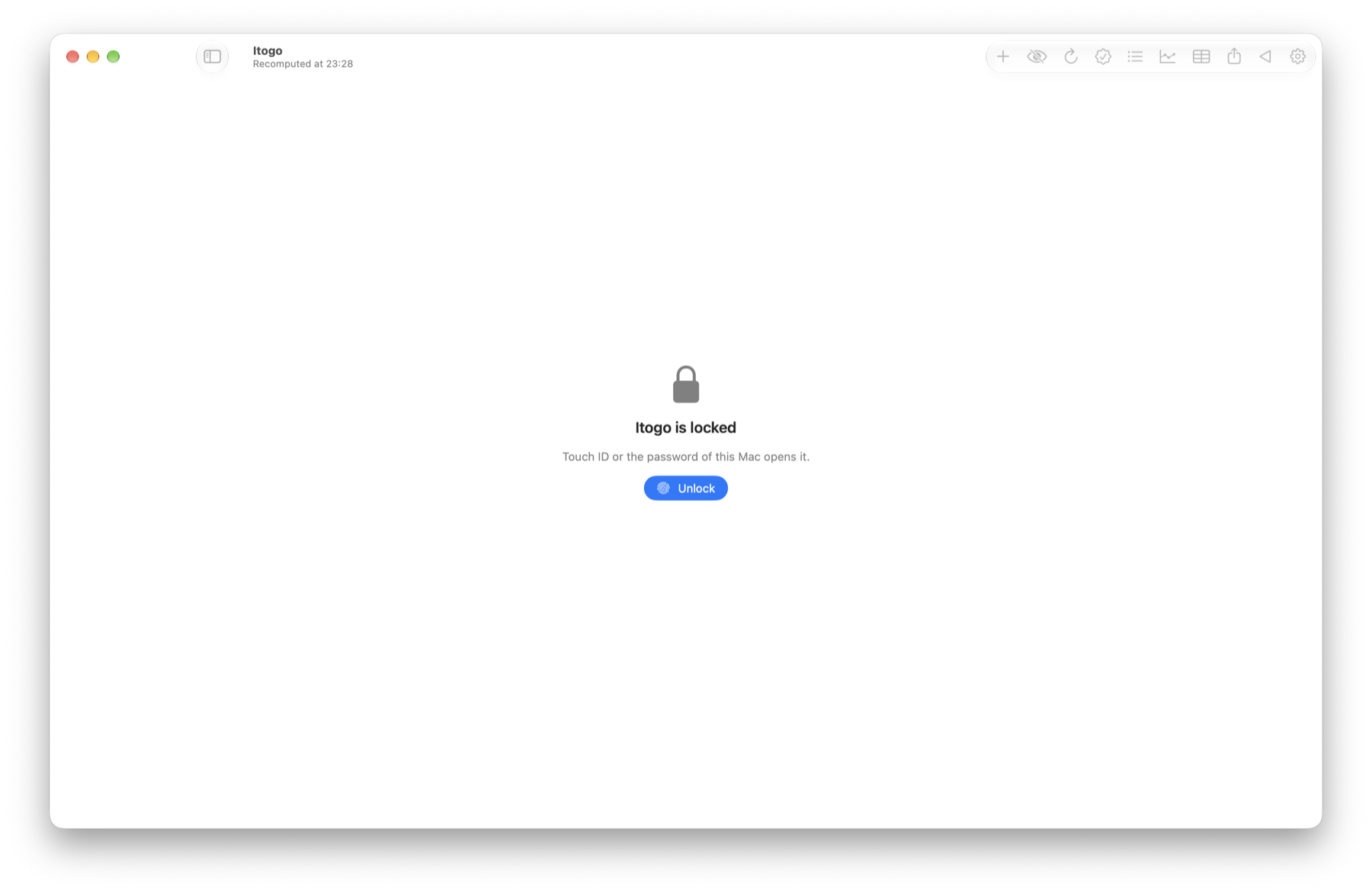
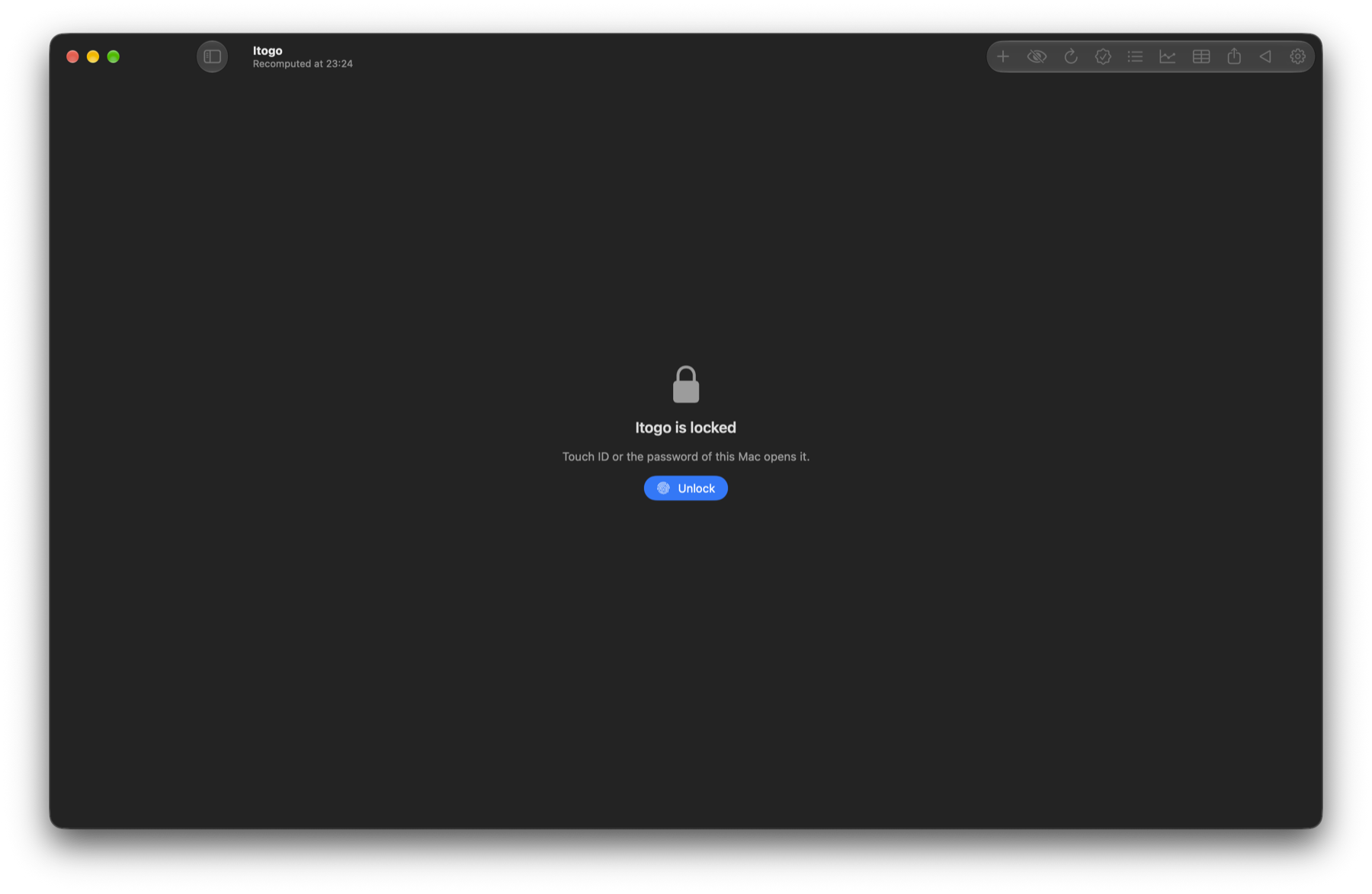
- No cloud
- The database lives on your Mac's disk. The app only goes online for exchange rates and updates.
- No tracking
- No analytics, ads or third-party libraries. The error log contains no amounts or names.
- Lock
- Open it with Touch ID or a password. Hide all amounts with one key, say when sharing your screen.
- Backups
- A copy is saved after every change. Moving to another Mac takes one password-protected archive.
Getting started
Download the archive
Unzip it and move the app to Applications.
Add your accounts
The app asks which accounts you have and how much is in them today.
Log your spending
Use the entry line at the bottom of the window. The more you log, the better the suggestions.
Download OhMyMoney
Free forever. Updates arrive on their own.
Requires macOS 26 or later. The app isn't notarized by Apple, so the first time you open it, right-click its icon and choose Open.